Job documentation
Job documentation without paper.
Anyone working on site has to be able to show what was done. This page shows what that looks like as an app — not as a mock-up, but as one that actually exists.
What the paper slip cannot do
A delivery note on paper records what someone wrote down. It does not record when it happened, where it happened or what it looked like. And it sits in the van until the evening.
When someone asks later, the search begins: which folder, which binder, which colleague. What is missing is not care — it is the connection between what happened and what is left of it.
A record is only a record if it hangs on something
That is why in ProofFlow every job belongs to a customer, every piece of documentation to a job, and every signature to a record. None of it stands alone. That is what makes the result hold up — and it is the difference from a photo in the camera roll.
Four steps, one finished document
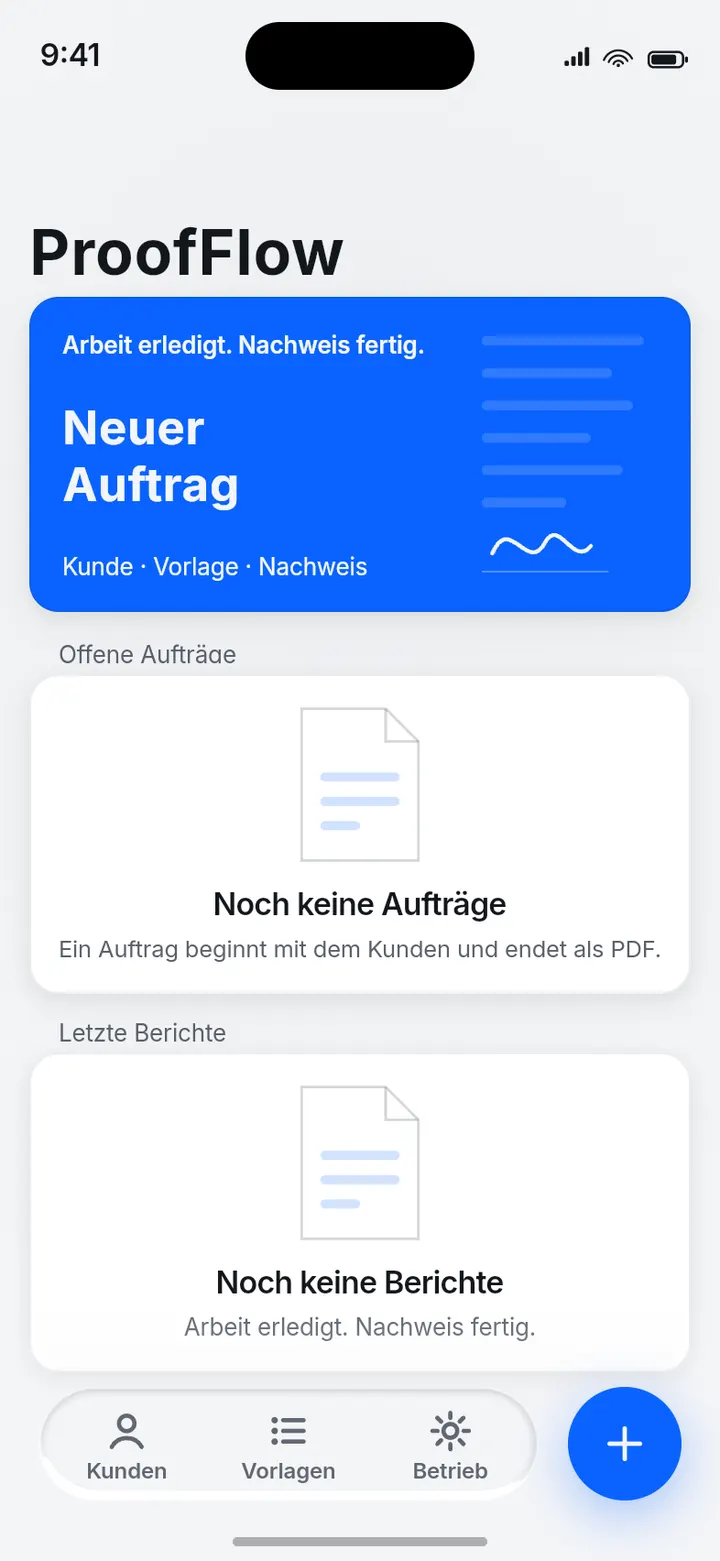
Open jobs
What is due today is at the top. No searching, no scrolling.
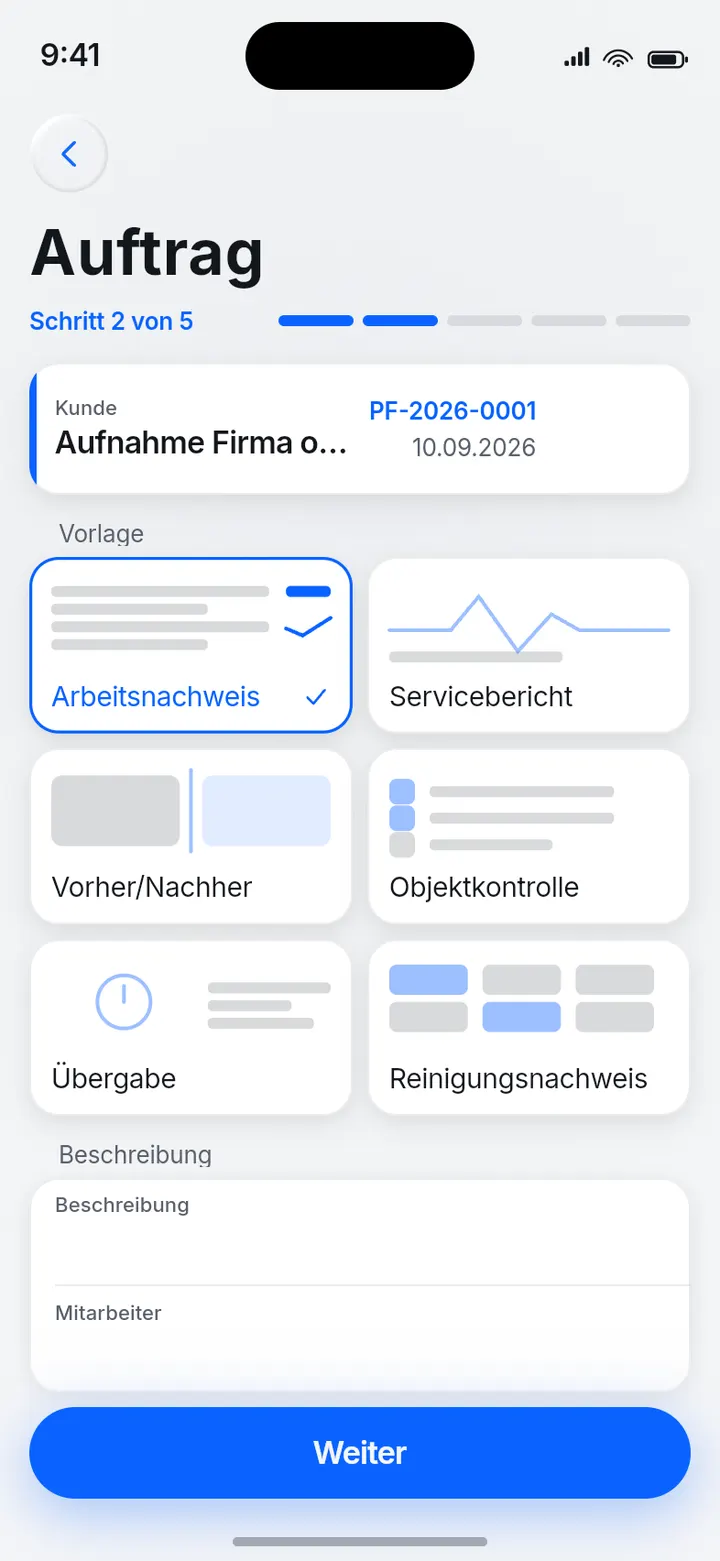
The job belongs to a customer
Every job hangs on a customer, not in a list. Work, materials and time are captured where they arise.
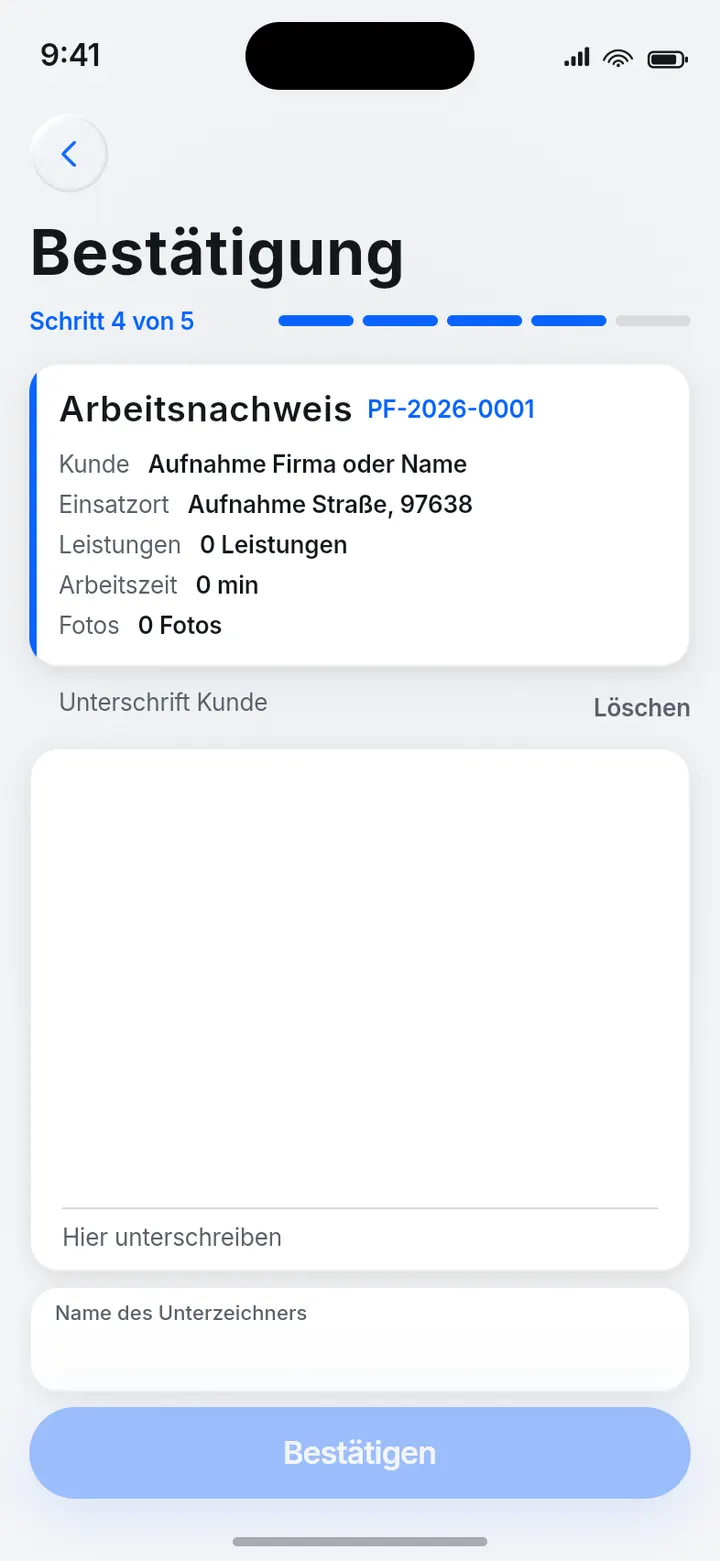
Signature on site
The customer signs on the device, while someone is still there to answer questions.
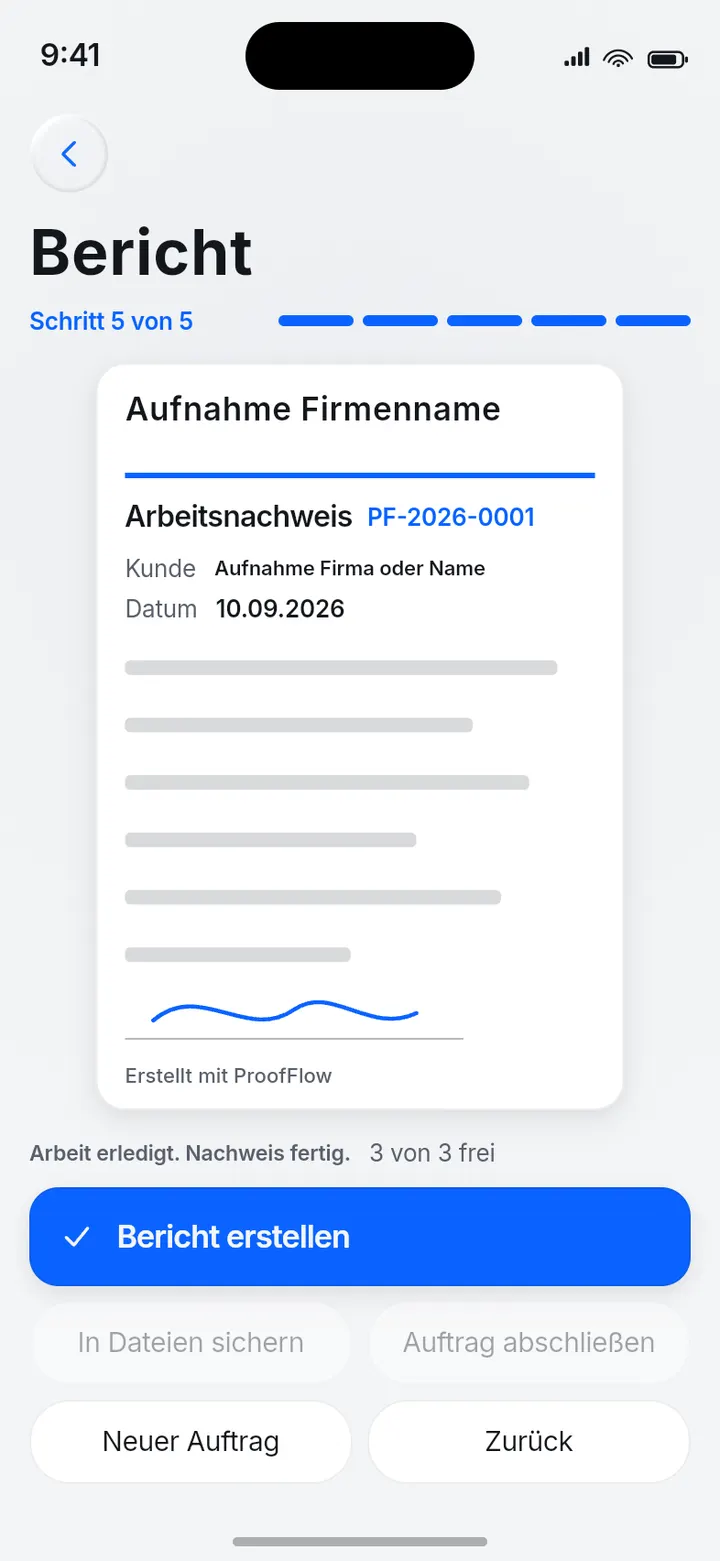
The record as a PDF
What comes out is a real PDF file — not an image that looks like one, and not a view that only exists inside the app.
What is tested here, and how
- The file is a real PDF
- Not a screen view that resembles one. It can be forwarded, filed and opened like any other document.
- It survives a device restart
- This is checked mechanically on every change to the app, not asserted. Documentation that a restart deletes is not documentation.
- The screens here come from the built app
- Fourteen of them, all from the finished product. No mock-up, no generated image.
- The app is public
- ProofFlow is on the Apple App Store and can be viewed there. Proof you do not have to take our word for.
What this means for your project
ProofFlow is our own product, not a tool we sell you. It is here because it shows that we build things like this — from the first screen through to the App Store.
An app for your business maps your process, not ours. Which fields a record needs, who signs it, whether it feeds an invoice and how it gets back to you — that is exactly the conversation that comes first.
How the app reaches your people is decided together: public on the App Store, internal to your company, or private distribution.
Describe your process.
A few sentences are enough: what has to be documented, by whom, and what should come out at the end. We sort out the rest in conversation.