ProofFlow
B2B · job documentation
ProofFlow — job documentation
An app for teams who have to prove the work they did on site. What comes out is a signed PDF that is still there after the device restarts.
Case study · our own product
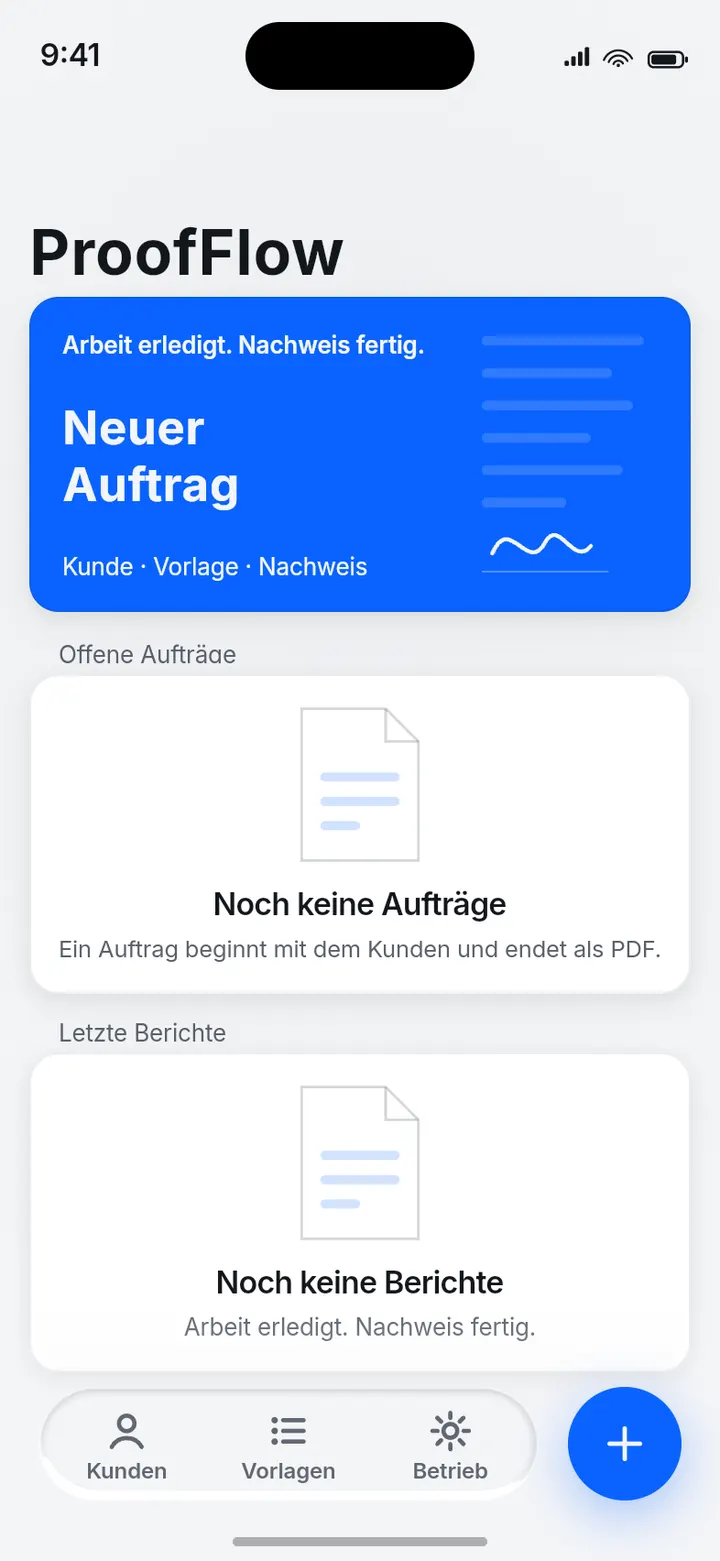
01 · Open jobs
The entry screen shows what is due today.
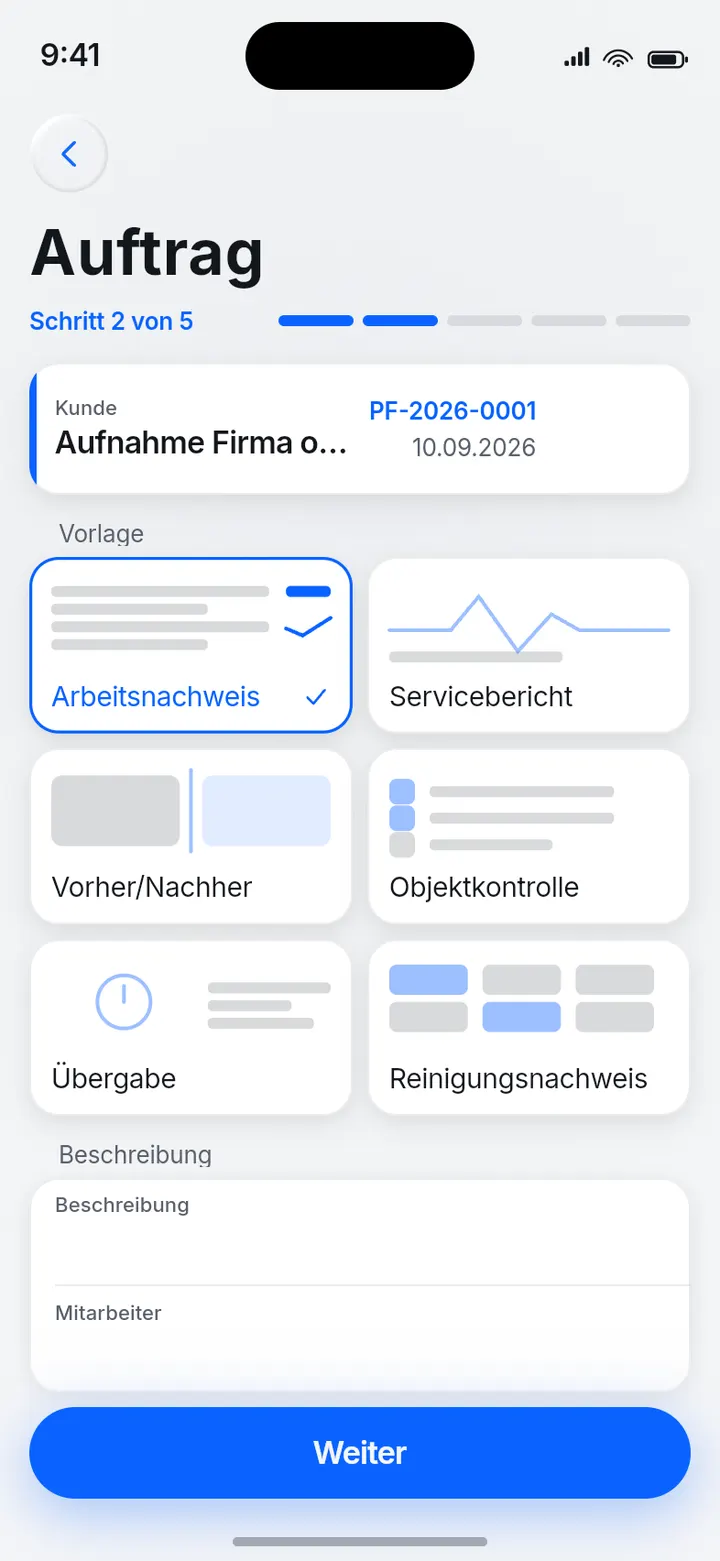
02 · Job on the customer
Every job belongs to a customer.
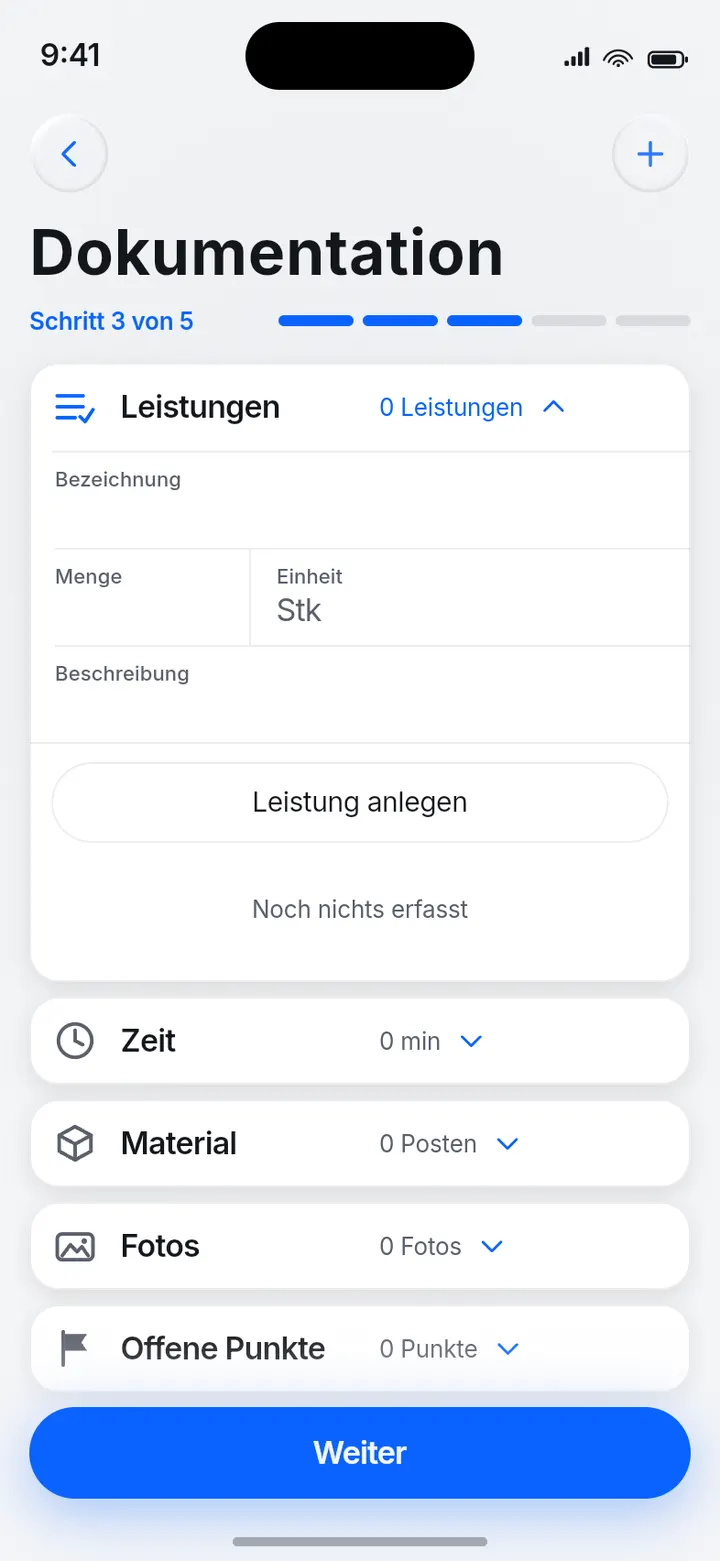
03 · Photo and notes
Documented where the work happens.
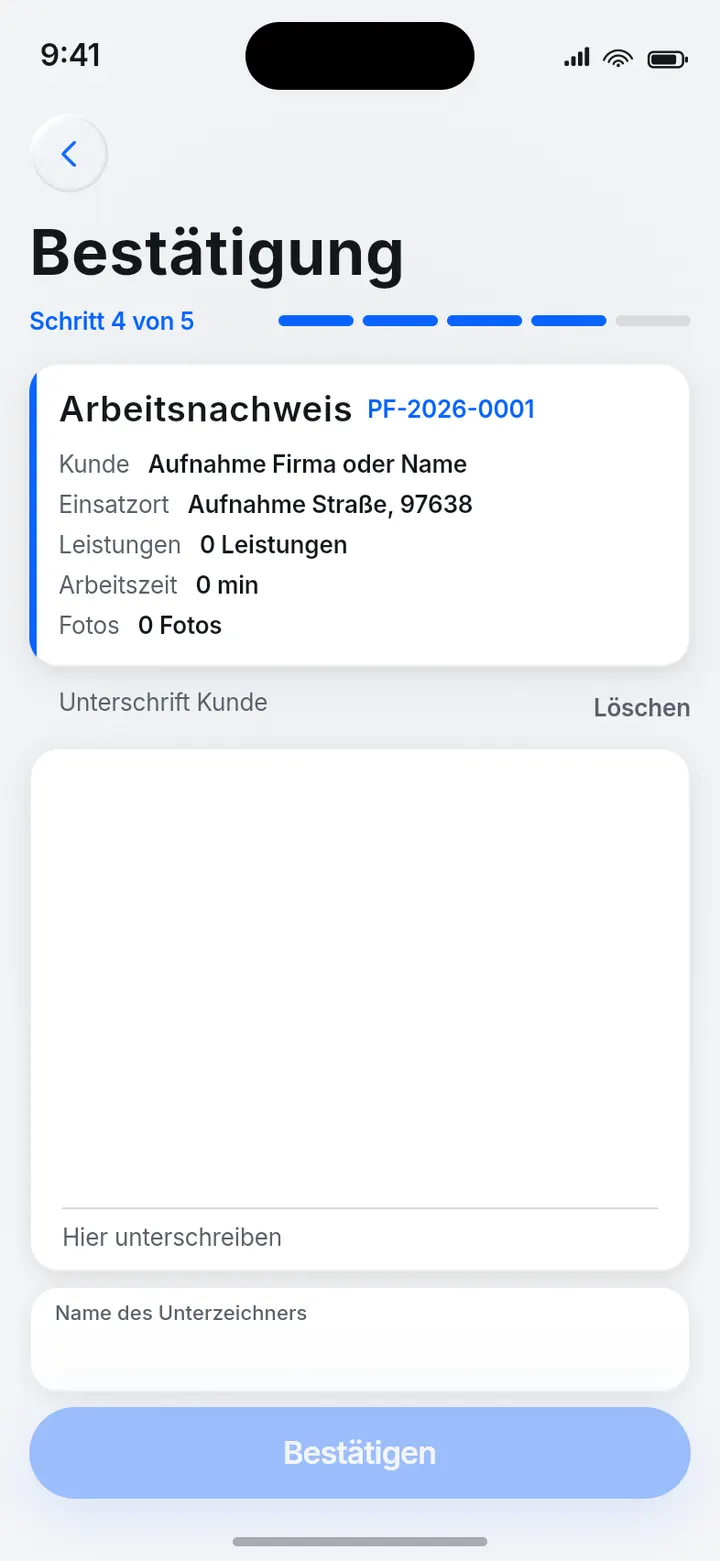
04 · Signed on site
The customer signs on the device.
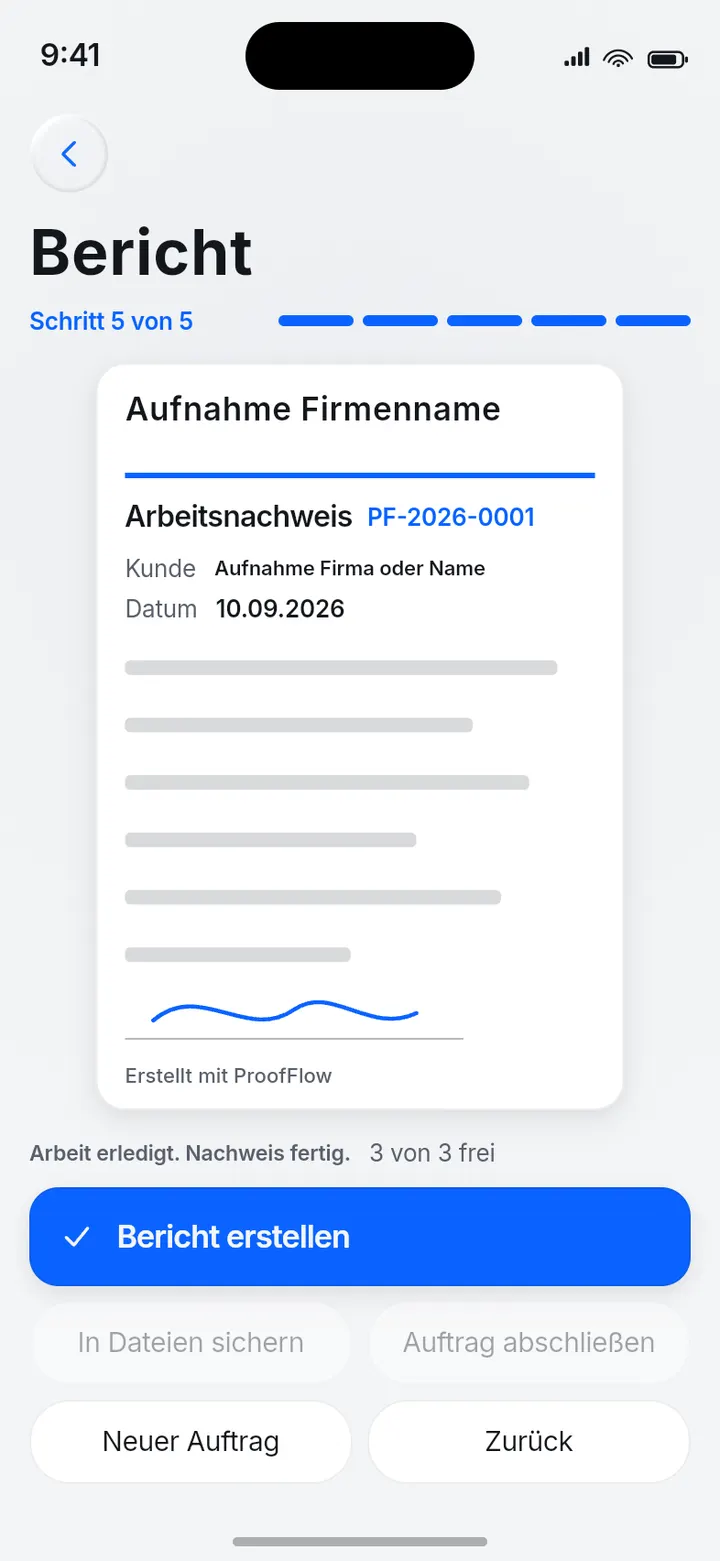
05 · Record as PDF
A real file, not a picture of one.
Overview
ProofFlow covers the path from customer to finished record. It is BUILDFrame's own product: product thinking, design, development, testing and release all in one place. The app is available on the Apple App Store.
Starting point
PLATZHALTER
The documented starting point is not available yet. It is not invented here — a told origin story would be the first unproven sentence on this page.
The product idea
A record is only a record if it belongs to something. So in ProofFlow every job belongs to a customer, every piece of documentation to a job, and every signature to a record. None of it stands alone — and that is exactly what makes the result hold up.
Design
The entry screen shows what is due today, rather than a menu you have to assemble today out of. Input rows are tappable across their full width, not just on the text: at least 44 points tall, because on a phone a tap next to the text is half of all attempts.
Engineering and quality
The most expensive promise the app makes is that entries survive a restart. It is not claimed but run on every change: the check opens the same file twice and reads the schema version from the file header on disk — not from memory. On top of that, a check actually reads the contents of the generated PDF instead of merely confirming that a file appeared.
Result
ProofFlow is published on the Apple App Store. The screens on this page come from the built app, not from a design file.
Something similar in mind?
If your team has a process that paper or a spreadsheet currently carries: describe it briefly and we will look at what it could become.